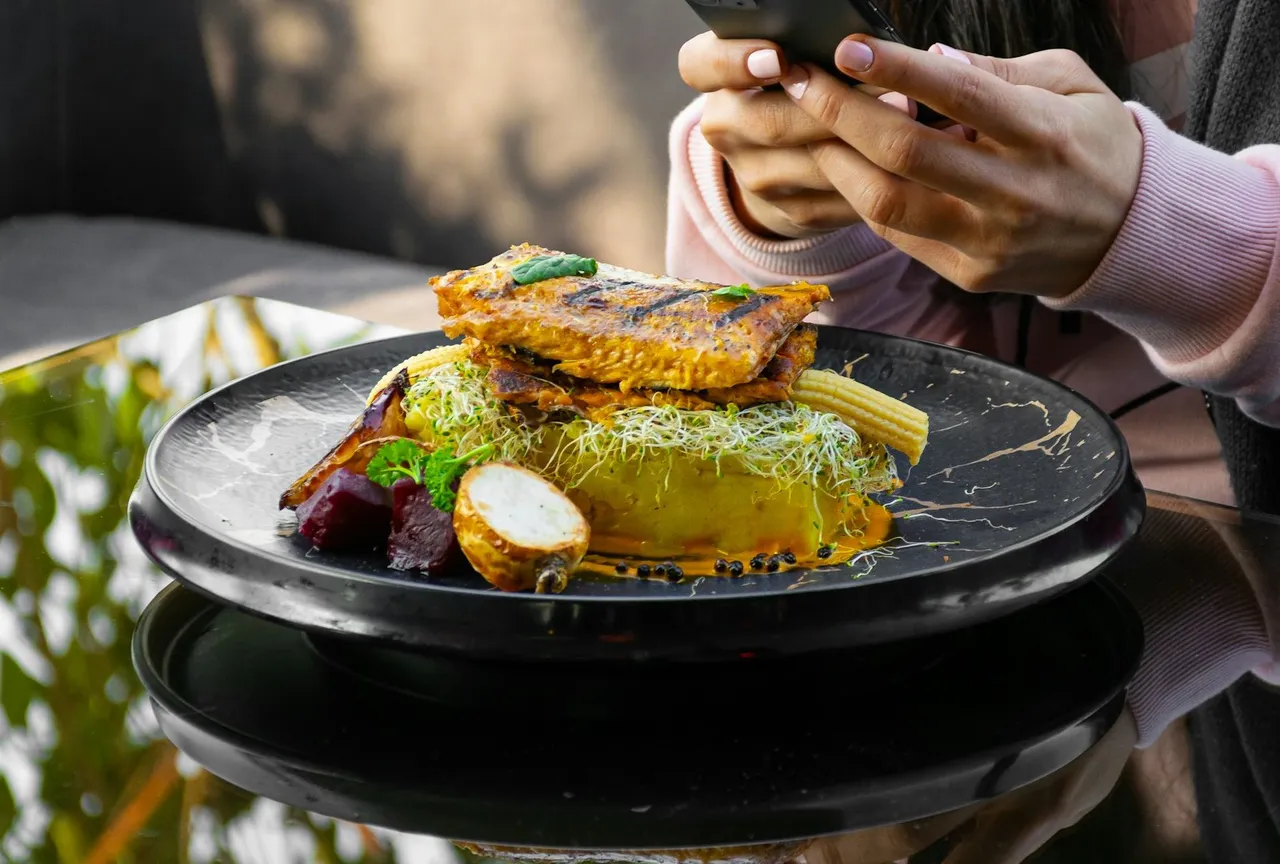
In today’s digital-first dining landscape, social media platforms have become powerful reservation channels for restaurants. With billions of active users across major platforms, integrating booking widgets directly into your social media presence is no longer optional—it’s essential for maximizing reservations and reducing friction in the customer journey.
This comprehensive guide will walk you through the process of adding booking widgets to all major social media platforms, from Instagram’s hidden Reserve button to emerging opportunities on TikTok and beyond.
Why Social Media Booking Integration Matters
The Numbers Don’t Lie
- Instagram: roughly 2 billion monthly active users, hugely popular with younger diners
- Facebook: around 3 billion monthly active users, making it the largest social media platform globally
- TikTok: over 1 billion users, with short videos that regularly send viewers straight to restaurants
- Conversion Impact: Restaurants often see a significant increase in online reservations after implementing social media booking widgets
Key Benefits
- Reduced Friction: Eliminates the need for customers to navigate away from social platforms
- Mobile-First Experience: Optimized for mobile users who make up the vast majority of social media traffic
- Commission-Free Bookings: Direct reservations without third-party platform fees
- Enhanced Discoverability: Converts browsing into immediate action
- Data Collection: Captures valuable customer data for marketing and personalization
Platform-by-Platform Implementation Guide
Instagram: The Visual Reservation Engine
Instagram remains the most powerful platform for restaurant discovery and reservations. Here’s how to maximize its potential:
Method 1: The Native Reserve Button (Recommended)
- Prerequisites:
- Instagram Business account
- Connected Facebook Business page
- Partnership with an official Instagram reservation provider
- Setup Process:
Step 1: Open Instagram → Profile → Edit Profile
Step 2: Tap "Contact Options" → "Add an Action Button"
Step 3: Select "Custom" from the menu
Step 4: Choose your reservation provider (Eat App, TheFork, Resy, etc.)
Step 5: Enter your provider credentials and confirm connection
- Official Instagram Partners:
- Eat App
- TheFork
- Resy
- OpenTable
- Servme
- Mozrest
Method 2: Link in Bio Strategy
For restaurants without official partner access:
- Use Linktree or similar services to create a booking-focused landing page
- Direct link to your reservation widget
- Update regularly with seasonal promotions
Optimization Tips:
- Post booking reminders in captions: “Reserve through our profile link”
- Use Instagram Stories with “Book Now” stickers
- Add call-to-action in bio: “🍽️ Reserve your table above”
- Create highlights showcasing your booking process
Facebook: The Comprehensive Booking Hub
Facebook offers multiple integration options for restaurants:
Method 1: Native Reserve Button
- Setup Process:
Step 1: Navigate to your Facebook Business Page
Step 2: Click "Add a Button" under cover photo
Step 3: Select "Book Now" or "Start Order"
Step 4: Choose "Connect Another Tool"
Step 5: Select your reservation provider from the list
Step 6: Enter provider credentials and confirm
- Automatic Instagram Sync:
- When Facebook and Instagram accounts are linked, the Reserve button automatically appears on both platforms
- Ensures consistent booking experience across Meta ecosystem
Method 2: Custom Button Integration
For maximum flexibility:
- Create custom “Book Now” button
- Link directly to your reservation widget URL
- Use provider-specific landing pages for tracking
Advanced Features:
- Messenger Integration: Set up automated responses with booking links
- Facebook Pixel Tracking: Monitor conversion data for ad optimization
- Event Integration: Create Facebook Events with embedded booking options
TikTok: The Emerging Reservation Frontier
While TikTok’s restaurant booking features are still developing, early adopters can gain significant advantages:
Current Opportunities:
- TikTok Go Program:
- Partner with TikTok to enable in-app bookings
- Available for select regions and partners
- Commission-based model for creators
- Profile Link Strategy:
- Add booking link to TikTok bio
- Create content showcasing reservation process
- Use trending sounds with booking calls-to-action
- TikTok Ads Integration:
- Run conversion-focused ads targeting local diners
- Use “Book Now” call-to-action buttons
- Target food enthusiasts and local dining communities
Future Developments:
- Direct integration with major reservation platforms
- In-video booking buttons
- Creator commission programs for restaurant promotions
Twitter: The Real-Time Reservation System
While limited, Twitter offers unique booking opportunities:
Current Implementation:
- Profile Link: Add booking URL to bio
- Pinned Tweet: Create permanent booking announcement
- Automated Responses: Use Twitter’s auto-DM feature for booking links
- Hashtag Strategy: Create branded booking hashtags (#
)Advanced Strategies:
- Real-Time Availability: Tweet last-minute availability
- Twitter Spaces: Host virtual events with booking incentives
- Customer Service: Handle booking inquiries via direct messages
LinkedIn: The B2B Dining Solution
Perfect for restaurants targeting business clientele:
Implementation:
- Company Page Integration:
- Add booking widget to LinkedIn company page
- Create “Book a Table” call-to-action button
- Share corporate dining packages
- Content Strategy:
- Post about business lunch offerings
- Share private dining options
- Highlight corporate event capabilities
- Networking Approach:
- Connect with local business leaders
- Join hospitality and local business groups
- Share booking links in relevant discussions
YouTube: The Visual Booking Experience
Leverage video content for reservations:
Integration Methods:
- Video Descriptions: Include booking links in all video descriptions
- End Screens: Add booking call-to-action to video end screens
- Channel Banner: Feature booking information in channel art
- Community Posts: Share booking links with engaging content
Content Ideas:
- Behind-the-scenes kitchen tours with booking CTAs
- Chef interviews ending with reservation prompts
- Virtual restaurant tours with booking incentives
- Cooking tutorials featuring reservation links
Technical Implementation Deep Dive
Choosing the Right Reservation Platform
When selecting a booking system for social media integration, consider:
Essential Features:
- Social Media Integration: Native support for Instagram, Facebook, TikTok
- Mobile Optimization: Responsive design for mobile users
- Real-Time Updates: Instant availability across all platforms
- Analytics Dashboard: Track bookings by source platform
- Custom Branding: Maintain consistent brand experience
Top Platform Recommendations:
1. Eat App
- Direct Instagram and Facebook integration
- Commission-free bookings
- Advanced analytics and CRM features
- Multi-location support
2. Resy
- Strong social media partnerships
- Consumer-facing app integration
- Advanced table management
- Group-wide guest data sharing
3. OpenTable
- Largest diner network
- Established social media integrations
- Comprehensive marketing reach
- Proven conversion optimization
4. TheFork
- European market leader
- Strong Instagram integration
- Commission-based model
- Extensive diner database
Widget Customization Best Practices
Design Considerations:
- Brand Consistency: Match colors, fonts, and imagery to your restaurant’s aesthetic
- Mobile-First Design: Ensure seamless mobile experience
- Loading Speed: Optimize for fast loading across all devices
- Accessibility: Comply with ADA guidelines for inclusive design
Content Optimization:
- Clear Call-to-Action: Use action-oriented language (“Reserve Your Table”)
- Urgency Creation: Highlight limited availability or special offers
- Social Proof: Include reviews or ratings when possible
- Visual Elements: Use high-quality images of your restaurant and dishes
Advanced Strategies for Maximum Impact
Cross-Platform Integration
Create a cohesive booking ecosystem across all social platforms:
- Unified Branding: Maintain consistent booking messaging across platforms
- Cross-Promotion: Use each platform to promote booking availability on others
- Data Synchronization: Ensure real-time availability updates across all channels
- Analytics Integration: Track customer journey across multiple touchpoints
Content Marketing Integration
Maximize bookings through strategic content:
Instagram Strategy:
- Food Photography: Post appetizing images with booking CTAs
- Story Highlights: Create “Reservations” highlight with booking process
- User-Generated Content: Repost customer photos with booking prompts
- Instagram Reels: Create short videos showcasing dining experience
Facebook Strategy:
- Event Creation: Host special dining events with integrated booking
- Live Videos: Stream cooking demonstrations with booking links
- Customer Testimonials: Share reviews with booking CTAs
- Local Community Engagement: Participate in local groups with booking offers
TikTok Strategy:
- Behind-the-Scenes Content: Show kitchen preparation with booking prompts
- Trending Challenges: Participate in food-related trends with booking CTAs
- Chef Spotlights: Feature chef stories ending with reservations
- Time-Sensitive Offers: Create urgency with limited-time booking promotions
Analytics and Optimization
Key Metrics to Track:
- Conversion Rate: Percentage of social media visitors who make reservations
- Platform Performance: Which social channels drive the most bookings
- Peak Booking Times: When customers are most likely to book
- Customer Lifetime Value: Value of customers acquired through social media
- Cost Per Acquisition: Marketing spend per reservation generated
Optimization Strategies:
- A/B Testing: Test different booking button placements and messaging
- User Journey Analysis: Identify and remove friction points
- Seasonal Adjustments: Adapt booking strategies for different seasons
- Competitor Analysis: Monitor competitor social media booking strategies
Troubleshooting Common Issues
Instagram Integration Problems
Issue: Reserve button not appearing
- Solution: Ensure Instagram Business account is properly connected to Facebook page
- Verification: Check that reservation provider is on Instagram’s approved partner list
Issue: Booking widget not loading
- Solution: Test widget on multiple devices and browsers
- Optimization: Minimize widget loading time and optimize images
Facebook Integration Challenges
Issue: Button not displaying correctly
- Solution: Refresh Facebook page connection and reauthorize permissions
- Alternative: Use custom button with direct widget link
Issue: Cross-platform sync failures
- Solution: Disconnect and reconnect Instagram and Facebook accounts
- Prevention: Regular monitoring of connection status
General Technical Issues
Issue: Mobile responsiveness problems
- Solution: Test booking widget on various mobile devices
- Implementation: Use responsive design frameworks
Issue: Slow loading times
- Solution: Optimize images and minimize widget code
- Hosting: Consider CDN implementation for faster delivery
Future Trends and Opportunities
Emerging Technologies
- AI-Powered Booking Assistants: Chatbot integration for 24/7 booking support
- Voice-Activated Reservations: Integration with Alexa, Google Assistant
- AR/VR Experiences: Virtual restaurant tours with embedded booking
- Blockchain Verification: Secure, decentralized booking systems
Platform Evolution
- Instagram Shopping Integration: Direct food ordering through posts
- TikTok Commerce Expansion: Full booking ecosystem development
- Metaverse Dining: Virtual restaurant experiences with real-world bookings
- Social Commerce: Peer-to-peer restaurant recommendations with booking
Implementation Checklist
Phase 1: Foundation (Week 1)
- Choose reservation platform with social media integration
- Set up Instagram Business account
- Connect Facebook and Instagram business accounts
- Verify reservation provider partnership status
Phase 2: Integration (Week 2)
- Add Reserve button to Instagram profile
- Configure Facebook booking button
- Test booking functionality across platforms
- Set up analytics tracking
Phase 3: Optimization (Week 3-4)
- Create platform-specific content strategy
- Implement cross-platform promotion plan
- Launch initial marketing campaigns
- Monitor and analyze performance metrics
Phase 4: Expansion (Ongoing)
- Explore TikTok integration opportunities
- Develop YouTube booking strategy
- Implement advanced analytics and optimization
- Stay updated on platform feature releases
Conclusion
Integrating booking widgets into your social media presence is no longer a luxury—it’s a necessity for restaurants competing in today’s digital landscape. By following this comprehensive guide, you’ll create a seamless reservation experience that converts social media followers into paying customers.
Remember that success requires ongoing optimization and adaptation to platform changes. Stay informed about new features, monitor your analytics closely, and always prioritize the customer experience. With the right strategy and tools, your restaurant can turn social media engagement into a significant revenue driver.
The key is to start with one or two platforms, perfect your approach, and then expand systematically. Whether you’re a small neighborhood bistro or a multi-location restaurant group, social media booking integration can transform your reservation management and drive sustainable growth.
Start implementing these strategies today, and watch as your social media presence becomes a powerful engine for restaurant reservations and customer acquisition.