The "Digital Front Door"
Imagine a tourist landing at Suvarnabhumi Airport. They are hungry. They don't speak Thai. They don't know your brand. What is the first thing they do?
They don't open a newspaper. They don't look at a billboard. They open Google Maps and type "Best Thai food near me."
If your restaurant doesn't appear in the top 3 results, you don't exist to them.
In 2026, Google Maps has become one of the primary discovery engine for the Thai F&B industry. It can drive more foot traffic than Instagram and more reservations than your website. Yet, many Thai restaurant owners leave their profile as is, with wrong opening-hours, or with blurry photos uploaded by customers several years ago.
This isn't just about being on the "Google Maps." It's about dominating it. A well-optimized Google Business Profile acts as a free, 24/7 billboard that targets people who are already standing in your neighborhood with their wallets out.
In this guide, we will teach you how to master Local SEO specifically for the Thai market, ensuring that when someone searches for food in your location, your face definitely appears first.
The Thai Ecosystem: Tourists, Locals, and the Commission Trap
The Thai Ecosystem: Tourists, Locals, and the Commission Trap
Thailand is a unique ecosystem for Google Maps for several reasons. Understanding this is a key to beat your competitors.
1. The "Tourist vs. Local" Hybrid
Your profile must serve two masters.
- The Tourist: Needs English menus, clear photos of non-spicy options, and reassurance that the place is clean.
- The Local: Needs accurate parking info, precise location pins, and Thai language keywords.
2. The "Aggregator Hijack"
Platforms like Chope, Hungry Hub, or Grab often automatically add their booking links to your Google profile. When a customer clicks "Reserve" via Google Maps you pay a commission. If you optimize your profile correctly, you can replace the link with your own direct booking link and keep 100% of the profit.
3. The Trust Factor
In 2026, customers trust Google Reviews more than influencers. Influencers are paid; Google Reviews are mostly real.
The 3 Ranking Factors That Matter Most for Thai F&B
How does Google decide who gets the #1 spot? It comes down to three core pillars.
1. Relevance (Is this what they actually want?)
If a user searches "Khao Soi," does your profile say "Northern Thai Food" or just "Restaurant"?
- You must optimize your Business Categories.
- Primary Category: Be specific (e.g., "Thai Restaurant" or "Noodle Shop").
- Secondary Categories: Add "Delivery," "Dine-in," "Family Restaurant."
- Keywords: Your description should include key dishes in both Thai and English (e.g., Pad Thai / ผัดไทย).
2. Distance (Are they close?)
You cannot change where your restaurant is, but you can fix Pin Accuracy.
- In Thailand, addresses are absolutely messy (e.g., 12/4 Moo 5 Soi 8). Google often places the pin in the middle of nowhere or the wrong building.
- Manually adjust your pin. Ensure it is exactly at your entrance. This helps Delivery Riders find you too, which improves your delivery speed metrics on other apps.
3. Prominence (Are you popular?)
This is the game-changer. Google looks at:
- Review Count & Score: More is better. Freshness matters (reviews from last week > reviews from 2023).
- Photos: Profiles with plenty of photos tend to get far more clicks.
- Citations: Does your Name, Address, and Phone match exactly across all social media platforms? If something is different, Google and customers trust you less.
Practical Strategies: Stop "Setting and Forgetting"
Do not just set it and leave it. Active management is also required.
The "Menu Photo"
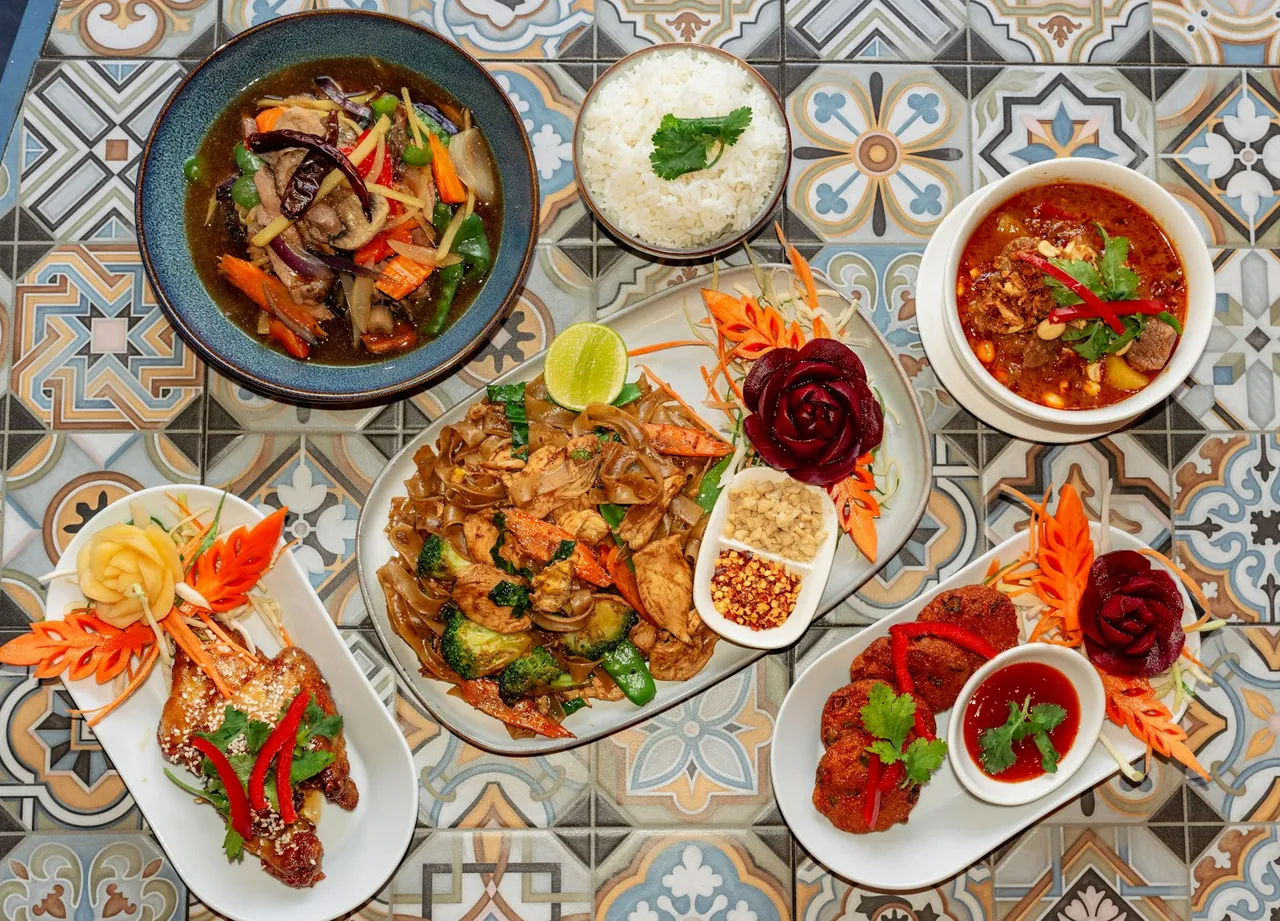
Tourists eat with their eyes. They cannot read your Thai text menu.
- Upload high-quality, bright photos of your top 5 dishes.
- Name the photo file properly before uploading (e.g., best-tom-yum-bangkok.jpg instead of IMG_9921.jpg). Google's AI can’t see photos, but it can read file names.
- Use the "Menu" feature in Google Business Profile to type out your items and prices. This helps Google match searches like "Cheap Pad Kra Pao" to your shop.
The Review Response Protocol
Owners often ignore reviews. This is a mistake.
- Positive Reviews: Reply to every single one. "Khob Khun Krub, see you next time!" This signals to Google and customers that you are active.
- Negative Reviews: Reply politely and professionally. Do not fight. "We are sorry for the delay, please contact us directly." This saves face and shows future customers you care.
Verification
Verifying a business in Thailand used to involve waiting for a postcard from Google that never arrived.
- Video Verification. Google now asks you to record a continuous video walking from your street sign -> into your shop -> unlocking the door -> showing the POS. Be ready for this.
The "Updates" Feed
Google allows you to post "Updates" just like Facebook.
- Post once a week. "Buy 1 Get 1 Free!" or "New Crab Curry available."
- These updates appear directly in Maps when people click your profile, making you look alive and relevant.
Turning Common Google Maps Problems into Profit
Scenario A: "The Hidden Rooftop Bar"
- Profile: A cool bar in Charoenkrung, but located down a dark alley.
- Problem: Customers kept cancelling because they couldn't find the entrance, and 1-star reviews complained "Hard to find."
- Solution:
- Fixed the Pin location to the exact entrance.
- Uploaded a "How to find us" video/photo to the "Exterior" photo section.
- Added "Hidden Bar" to the description.
- Result: "Hard to find" became "Secret gem."
Scenario B: "The Authentic Som Tum Stall"
- Profile: Delicious food, but the Google name was only in Thai.
- Problem: Zero tourists. Only locals.
- Solution:
- Changed name to Bilingual:
- Added English menu photos.
- Asked 5 regulars to leave reviews in English.
- Result: Sales increased as tourists started showing photos from Google Maps saying "I want this."
How to Secure & Maintain Your #1 Ranking
- Own Your Links: Check your "Reserve a Table" button. If it’s your link or not. If not, Contact Google Support or the aggregator to remove it, and replace it with your direct Line OA or website link.
- Q&A is a Trap: People ask questions on your profile ("Do you have parking?"). If you don't answer, customers might assume it as a no. Monitor this section weekly.
- Local SEO is Long-Term: You won't rank #1 overnight. It takes 3-6 months or more of consistent photos, reviews, and updates. Start now.
The Missing Link: Automating Your 5-Star Reputation Engine
The hardest part of Google Maps SEO is getting consistent reviews. You can't ask every customer personally during a rush hour.
This is where Aroi fits into your workflow.
Aroi isn't just a reservation system; it's a Review Generator.
- Customers dine and pay.
- Aroi automatically sends a Line: "How was your meal?"
- The Filter:
- If they rate 5 Stars: Aroi asks "Would you mind posting this on Google?" and gives them a direct link.
- If they rate 1 Star: Aroi asks "What went wrong?" and keeps the feedback internal (sent to the manager) so it doesn't hit your public profile.
- The Result: Your star rating stays high, your review count grows automatically, and you catch bad feedback before it destroys your reputation.
Conclusion
In 2026, your Google Business Profile is more important than your physical sign. A physical sign is seen by people walking by. Your Google Profile is seen by anyone with a phone within 5 kilometers.
It is free to claim, free to optimize, and expensive to ignore.
Open Google Maps right now and search for your restaurant. Look at the "Photos" section. If the first photo is a blurry picture of a dirty table from 2021, upload 10 new professional photos immediately.